

Give executives and speakers the confidence to focus on the message.
Presentation management connects deck intake, format and media review, version control, speaker preparation, playback, confidence monitoring, late changes, and live cues. The workflow is designed around the agenda, speaker roster, room plan, screen system, rehearsal, and risk requirements.
Create one clear path from speaker submission to stage playback.
The speaker-ready workflow gives executives, outside speakers, sponsors, content owners, and operators a defined place to submit, review, revise, approve, and release presentations. Formats, fonts, media, aspect ratios, versions, and late changes are managed against the actual show system.
- Deck intake & triageA defined submission path and running status for the speaker roster, content owners, and presentation team.
- Format & media reviewFonts, embedded media, transitions, and builds reviewed against the approved screen format and show software.
- Speaker preview stationA confidence station where speakers review their slides as they will appear on the wall, and make final edits with an operator, not on the podium.
- Version controlThe active playback file is identified, timestamped, and released through the agreed handoff so late edits do not bypass review.
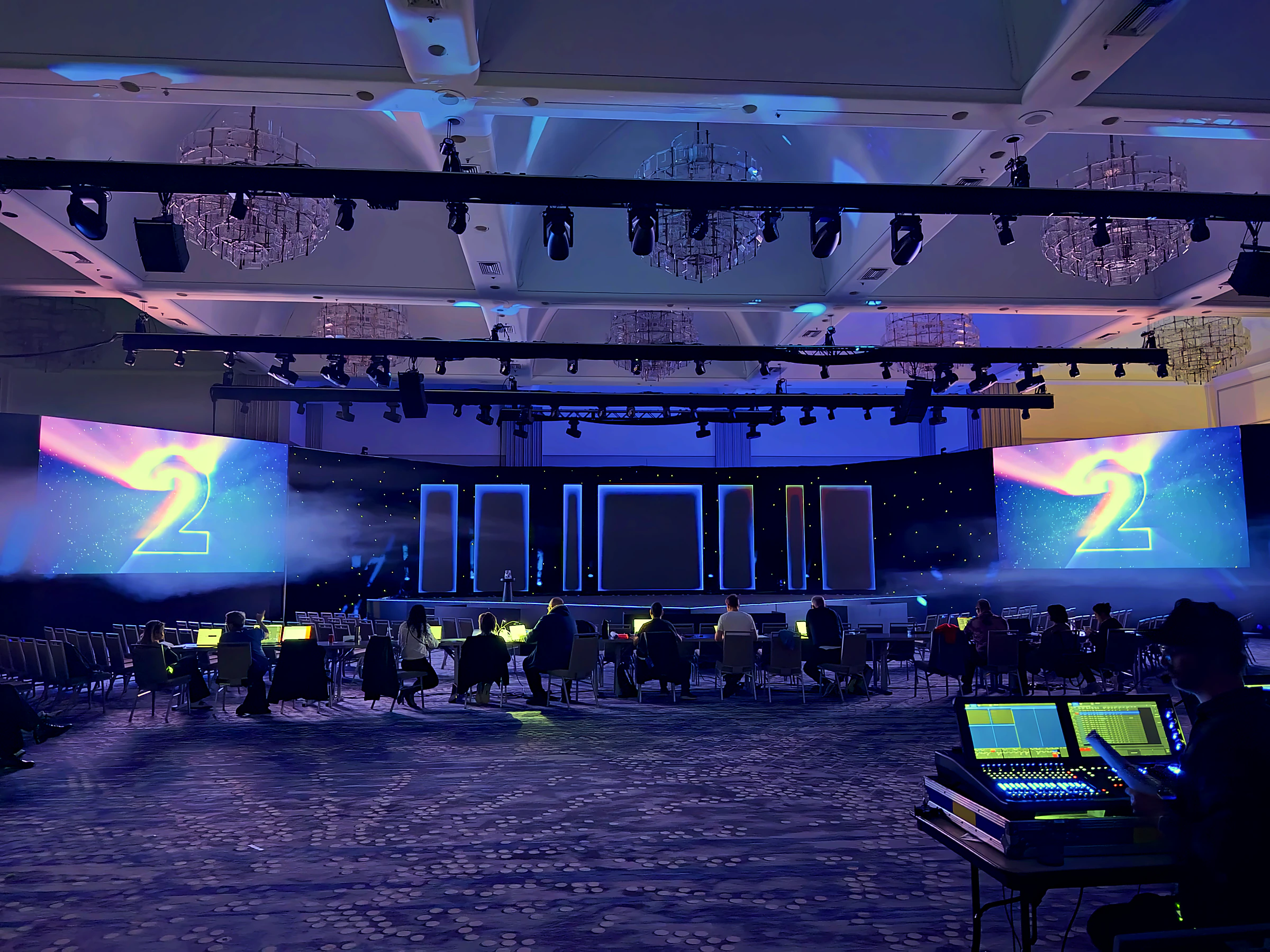
Live operation connects the speaker, caller, screens, and room.
A presentation operator coordinates live playback with the show caller and speaker workflow. Build advances, confidence monitoring, format-specific playback, late changes, redundancy, switching, and recovery responsibilities are defined and rehearsed for the program.
- Operator in commsA presentation operator on headset with the caller, advancing builds on cue so the speaker keeps their hands free and their eyes up.
- Playback recoveryWhere the show requires redundancy, primary and backup systems are configured against the agreed switching and recovery workflow.
- Confidence monitorsCurrent slide, next slide, notes, and timing displays configured to the approved speaker and stage plan.
- Remote advance & changesWireless advance can be handled by the operator, while late slide changes move from the speaker-ready workflow to the live system through a controlled handoff.
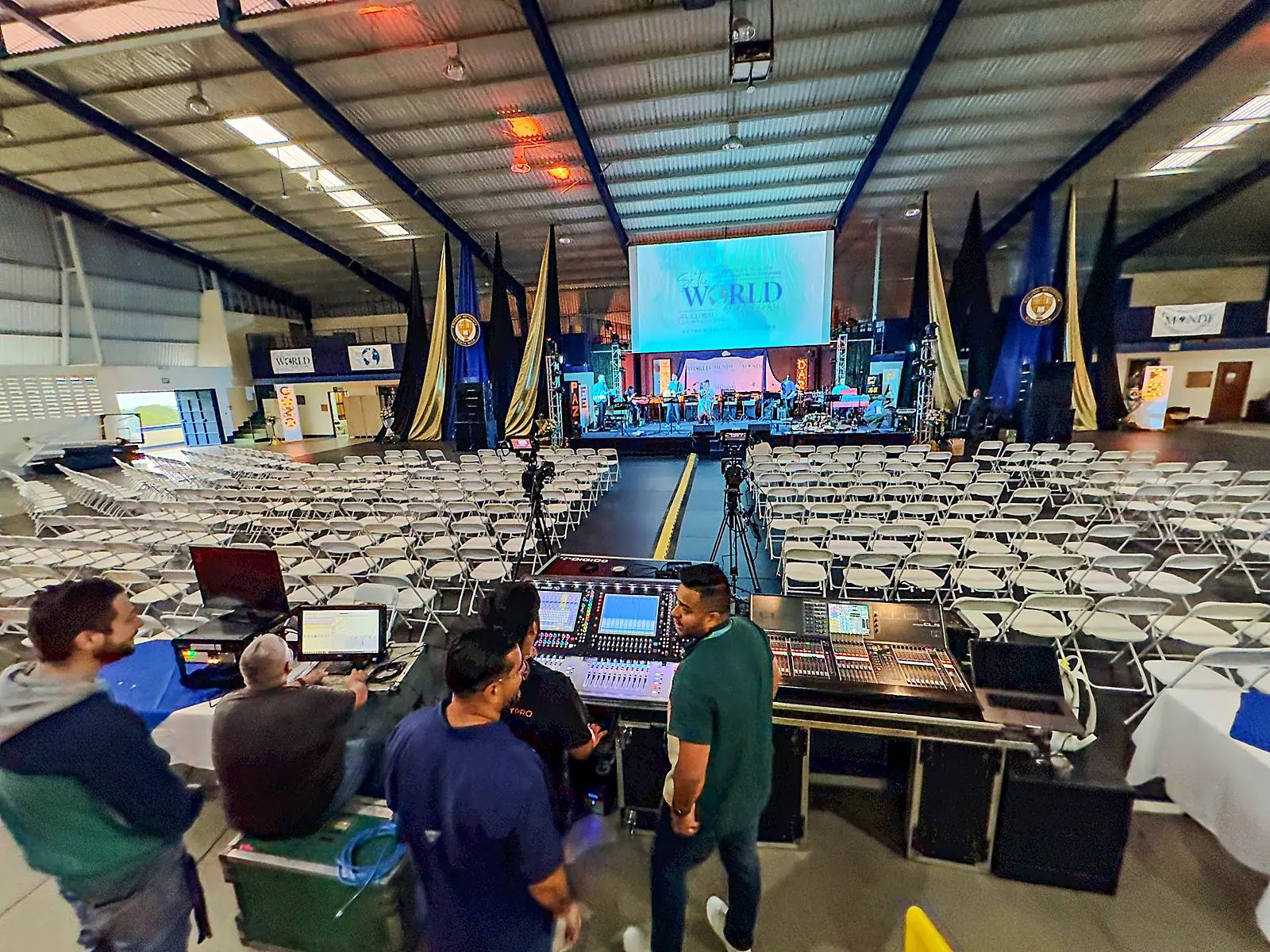
The whole slide path, from inbox to the last build.
The workflow can cover submission, tracking, formatting, media checks, speaker review, rehearsal, version control, playback, live cueing, and recovery. The exact rooms, formats, staffing, equipment, and responsibilities follow the agenda.
Central intake, live status
A defined submission path with a live status view for the speaker roster, content owners, and presentation team.
On-brand, on-spec
Decks reviewed against the approved template, screen aspect, fonts, colors, media, and build behavior for the program.
Speaker preview & edits
A staffed speaker-ready room where presenters review slides in the approved screen format and make final edits with an operator.
Redundant & mirrored
Primary and backup machines run in parallel under the approved recovery plan, with switching responsibilities defined before doors.
Cued to the run-of-show
The operator works from the same cue sheet as the caller so slide builds, screen transitions, and supporting cues stay coordinated.
Walked in rehearsal
Presentations and embedded media prioritized for rehearsal and system testing according to the agenda and risk plan.
Presentation management controls the path from deck intake through live playback. The team collects, reviews, formats, tests, versions, and rehearses presentations in a speaker-ready workflow, then an assigned operator advances each build to the show caller’s cues.
Presentation management is an operated service. A trained presentation operator works in comms with the caller and advances builds on cue. The staffing plan identifies the coverage required for each room and session.
Yes. Multi-speaker agendas often combine formats. Each file is reviewed and tested on the approved show software, with native playback retained where the presentation requires it. The operator confirms format and playback responsibilities with the speaker.
Late edits go through the speaker-ready operator, are reviewed and re-locked as the new master, then move through a controlled handoff to the live system. The active playback machine is not used as an editing workstation.
Primary and backup playback systems can be configured and tested against the show plan, with switching and recovery responsibilities assigned before doors. The room plan identifies the systems, switching method, and operating responsibilities for that session.
Presentation management sits within the coordinated production structure. The presentation operator, LED engineer, and show caller work from the same run of show so slide builds, screen transitions, and supporting cues remain aligned.
Give the speaker team a clear path from submission through the live cue.
Share the agenda, speaker roster, room plan, screen system, formats, rehearsal schedule, and late-change expectations. We will define the intake, review, playback, staffing, redundancy, and live-operation model the program requires.